The laptop shuffle
A laptop in every room, an HDMI cable that's always missing, and one volunteer who knows which input the TV needs.
Build a slideshow once and send it to any TV in your building: kids rooms, youth room, lobby, even the café. If you use Grow Curriculum, this week's lesson is already built.
Instant access. Then $9.97/month or $97/year. Included with every Grow Curriculum subscription.
A laptop in every room, an HDMI cable that's always missing, and one volunteer who knows which input the TV needs.
Downloading the videos, copying the big idea and memory verse, and building the same kind of slideshow again for every room.
The lobby, youth room, and café TVs could welcome people and share what's next. They're blank because updating them is one more job.
It's not you. Putting a lesson on a TV shouldn't take a tech team, a laptop, and a cable hunt.
Grow Slides sends slideshows over the internet to the TVs you already have. There are no cables to run and nothing to plug in on Sunday.
Name it for the room (Elementary, Preschool, Youth, Lobby) and it gets its own feed code.
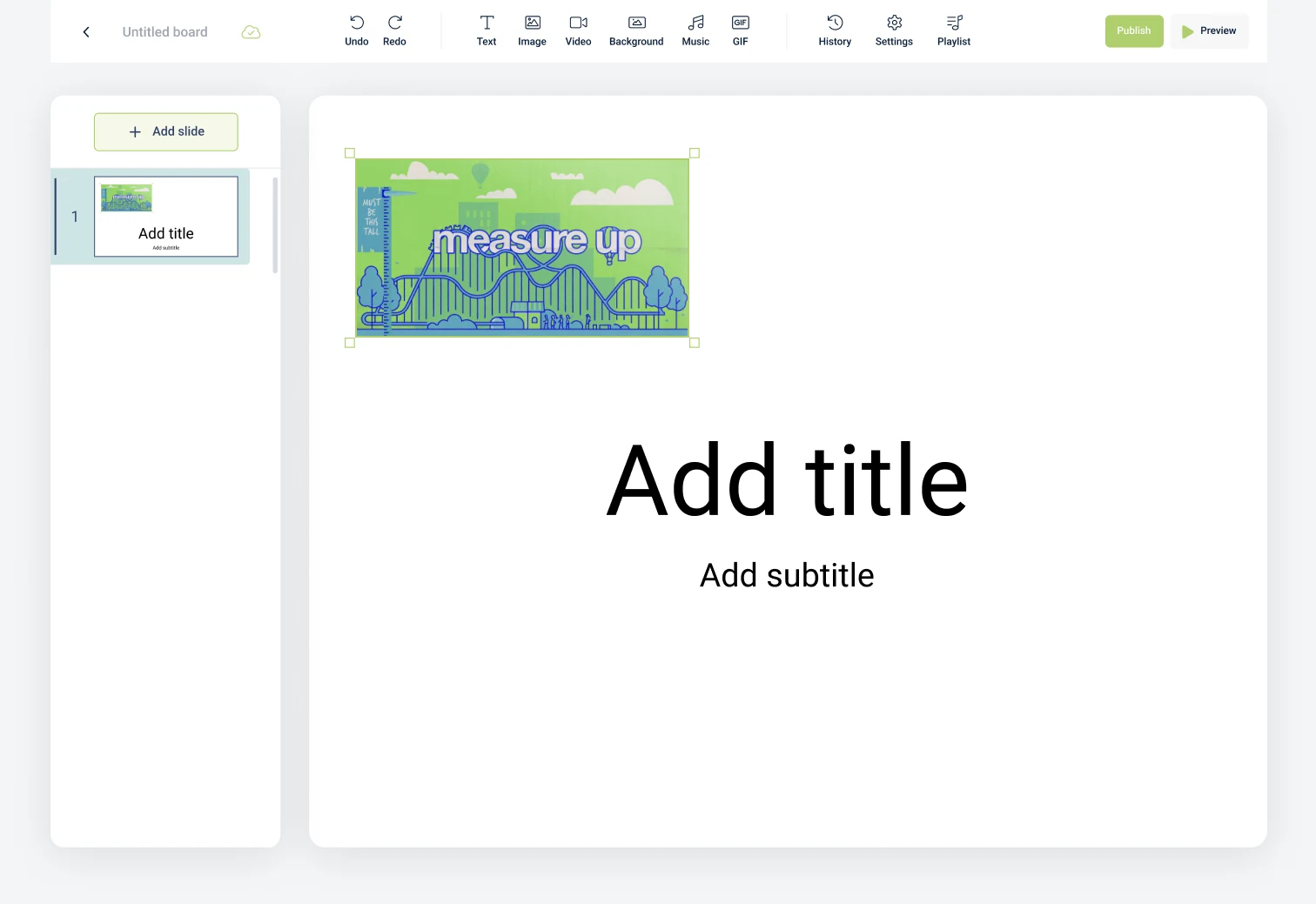
Build one from scratch, or preload any Grow series and week in one click. Hit Publish.
Open the Grow Slides app, type the feed code, and you're done. Use the TV's remote to click through.
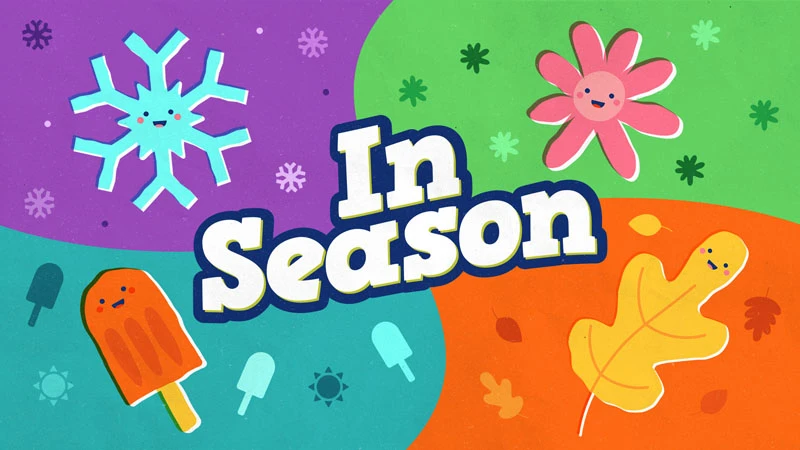
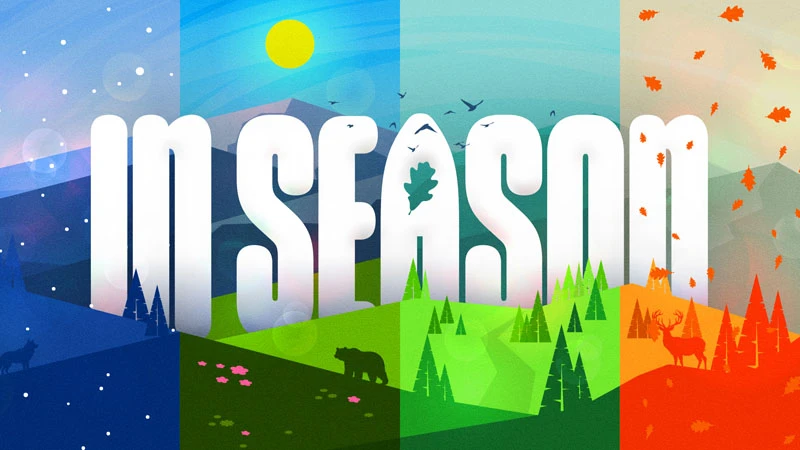

Series art from Grow Curriculum. The lobby and café slides are examples of your own content.
Pick a series and a week. The bumper video, big idea, teaching video, Bible story slides, and memory verse load in order.
Add text, images, video, backgrounds, music, and GIFs. Change fonts and colors, reorder slides, or delete what you don't need.
Create unlimited feeds, one for every screen, and each room shows exactly what it should, all from one dashboard.
Volunteers type a short feed code into the app. No passwords live on the TV, and there are no accounts to share.
Runs on Apple TV, Roku, Amazon Fire TV, and Google Play devices. Click through with the remote you already have.
Chat with our team right inside Grow Slides, or email support@stuffyoucanuse.org. We read every suggestion.
Every Grow Curriculum subscription includes Grow Slides. Choose your series and week, and everything you need for teaching that week loads into the slideshow. Tweak anything, then publish to the room.
Search "Grow Slides" in your device's app store, open it, and enter your feed code.
Get instant access to everything. After your trial, choose monthly or yearly.
Flexible, month to month.
Unlimited feeds and slideshows
One payment for the whole ministry year.
That's $22.64 less than 12 months at $9.97
We built Grow Slides because we needed it too. Kenny walks through building a slideshow, preloading a Grow week, and putting it on an Apple TV with a feed code.
Grow Slides is a simple way to send slideshows to any TV in your church. You build slideshows on the web, organize them into a feed for each TV, and the Grow Slides app on that TV plays them.
No. Anyone can subscribe to Grow Slides on its own and build slideshows from scratch. If you do use Grow Curriculum, your series come preloaded.
Yes. Grow Slides is included with every Grow Curriculum subscription, along with Lesson Builder and Grow Hubs.
The Grow Slides app is available for Apple TV, Roku, Amazon Fire TV, and Google Play. Connect one of those streaming devices to any TV and you're ready.
As many as you have. Create a separate feed for each TV (preschool room, elementary room, youth room, lobby, café) and send each one its own slideshows.
No. Open the Grow Slides app, type the feed code for that room, and hit submit. Use the TV's own remote to move through the slides.
Yes. Preloaded slideshows are fully editable. You can add, delete, or reorder slides, change text and colors, and add your own images, videos, and backgrounds.
You get instant access for 10 days. After that, choose $9.97 per month or $97 per year to keep going.
Use the chat icon inside Grow Slides, email support@stuffyoucanuse.org, or watch our tutorials.